
Someone the world knows
A social position and public identity place the antagonist within the campaign. Decide who trusts them and what the characters can learn.
A public face. A private design.
A patron offers help. A network closes ranks. A scheme gathers momentum. Shape an antagonist whose pressure the party can investigate, interrupt or confront.

Opposition beyond a fight
Prepare a public face, hidden purpose and pressure the characters can respond to.
A social position and public identity place the antagonist within the campaign. Decide who trusts them and what the characters can learn.
Motive, ideology and goals give you material to interpret. Review those choices against the suggested scheme rather than assuming every combination is coherent.
Allies, lieutenants and resources can become investigative leads. Develop names, loyalties and disagreements that fit the people already in your campaign.
Use dependencies, leverage and counterplay to give the party alternatives. You decide which opening matters and what changes when they act.

Reputation and reach
The illustration places public generosity beside a private planning room.
Choose the identity, motive and resources that fit your antagonist.
Review the proposed network and scheme. Adapt their connections before play.
From choices to a dossier
The tool supplies a structure; campaign judgement turns it into usable opposition.
Choose a local, story-arc, major or campaign-scale threat. Set campaign tier and theme; use a preset as a starting point.
Set identities, motive, ideology, methods and resources. Quick hides these controls while retaining their current values.
Consider scheme steps, lieutenants, escalation, weaknesses and contingencies together. Change repeated or conflicting suggestions to fit your campaign.
Edit the DM dossier as structured JSON and save it deliberately. Choose the public profile only after reviewing its goals, methods and party connection.
What the tool provides
Use the current controls, authored output and account-backed library.
Set campaign tier, villain scale and theme. Deep exposes identities, motive, ideology, methods, resources and other choices; Quick keeps the Deep values already entered.
Read a public identity alongside the hidden role, motive and goals. Review the suggested relationships and adapt the antagonist to your campaign.
The authored scheme offers stages, visible tells and counterplay. Use the steps as preparation, then edit them when your campaign needs another plan.
Review allies, contacts, lieutenants, minions and a rival relationship. The selected labels guide a starting dossier; they do not simulate a living organisation.
Consider growing pressure, dependencies, leverage, contingencies and possible redemption. Decide how these suggestions change through play rather than treating them as automatic events.
Keep selected sections while rerolling another, or edit the structured DM dossier. Review connections after changes; retained sections do not automatically adapt to new choices.
Save through the DCC session, search names, filter stages, reopen, duplicate or delete a dossier. Earlier results are retained on resave; there is no prior-version viewer.
Copy DM or public JSON, print the current profile or download the full result. Combat PRO preparation receives named villain/minion references and an objective; complete statistics and arena details yourself.
Several scales of opposition
Presets set scale and theme; they do not reset all Deep controls or simulate campaign events.
Start with personal leverage and a smaller sphere of influence. Develop the relationships that make the pressure immediate to the characters.
Use institutional capture as a starting theme. Adapt the fixed scheme, network and counterplay to the story you are preparing.
Consider controlled scarcity and extensive reach. Decide which resource routes the party can expose and who could withdraw their support.
Begin with a necessary-tyranny theme and campaign scale. Write the specific history, consequences and possible alternatives yourself.
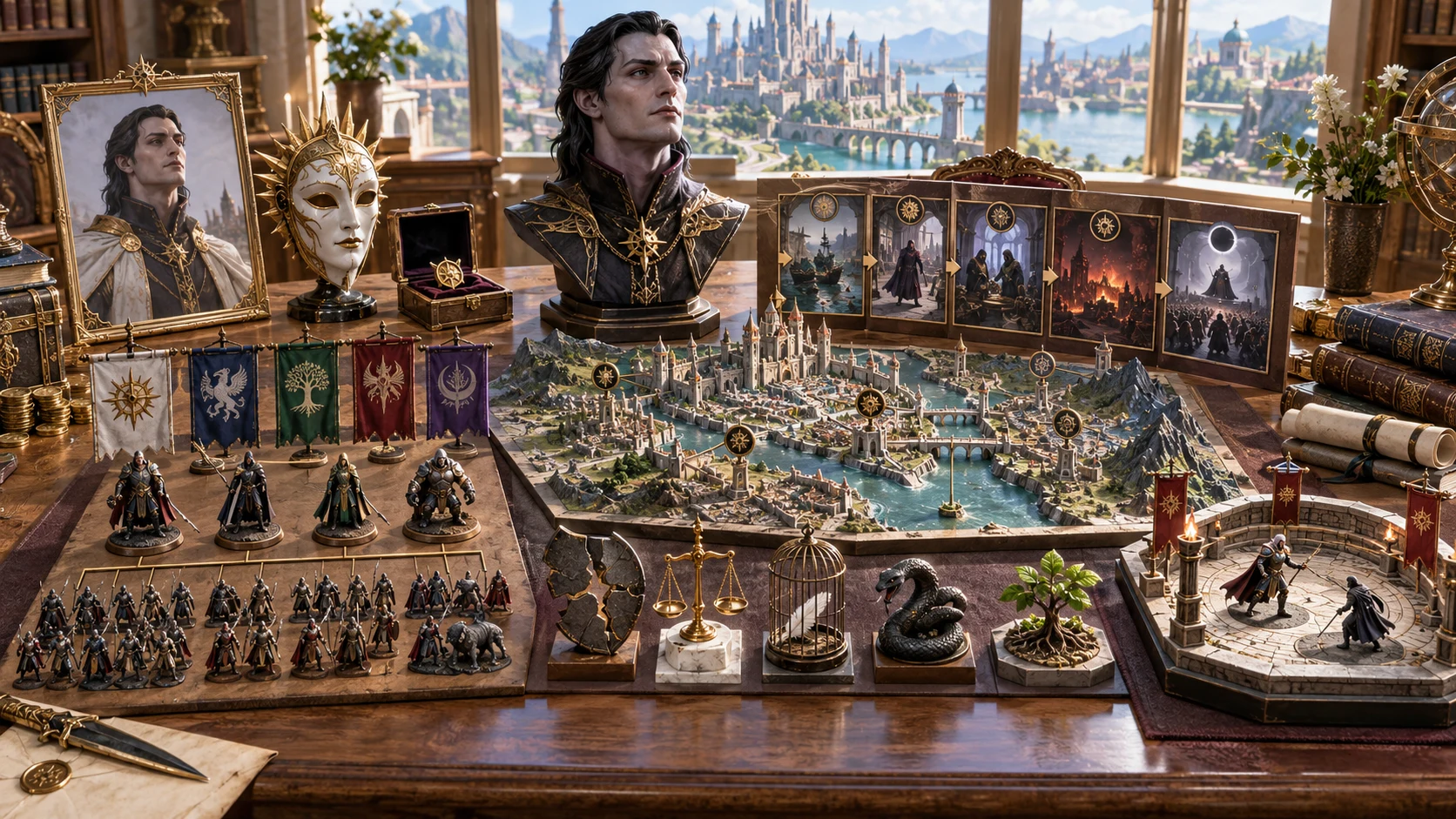
Connections to inspect
The illustration gathers a public portrait, campaign model, allies and possible outcomes.
The generated dossier contains identities, scheme, network, weaknesses and escalation.
Review and edit its connections; campaign events remain your decisions.
Keep the useful sections
Retained sections stay intact, even when another choice would suggest a different direction.
Lock a dossier section to preserve its actual content during generation. Decide which facts are established before asking for another variation.
A section reroll temporarily retains every other section plus manual locks. Read the changed section beside the retained material and reconcile it yourself.
The full request includes a counter that advances with generation. A seed alone does not repeat the next result through the interface.
Edit structured DM JSON, then Apply and Save. Apply rebuilds the public projection, but does not check every narrative connection or automatically redact edited secrets.
Records and transfer with clear limits
Understand what the current library, copies and confrontation button actually preserve.
Save through the existing DCC session. Resaving the same identity retains earlier results; there is no prior-version viewer or restore control and no automatic save.
Open displays the saved dossier without restoring setup controls, the generation counter or locks. Review them before another generation. Fresh villain keeps the other controls.
The public profile includes the short-term goal, methods and party connection. Copy DM dossier and full JSON download contain private material; print uses the current profile.
Combat PRO receives named references and an objective. Add creature statistics, arena details and tactics manually. Repeated sends of the same identity do not update the prior prepared encounter.
Choose access for your toolkit
Villain Generator is a paid standalone tool. Create a free account first, then review your selection and subscription.
Select Villain Generator individually. Creating a free account does not by itself include paid generator access.
Choose a five-generator pack for eligible standalone tools alongside this one. It provides selection capacity, rather than automatic access to every VISINVOKE product.
Review larger selected-generator packs in your account. Check generators, subscription and reselection terms before choosing your toolkit.
Combat PRO, Battlemaps and image systems have their own access models. Standalone generator subscriptions do not include image or animation credits.

Bring public identity, hidden motive and an authored scheme into one dossier.
Use weaknesses and leverage to prepare choices beyond a final fight.
Save useful dossiers, search names and track their campaign stages yourself.
The tool does not react to sessions or simulate the campaign. Decide what changes through play.
Build your tabletop toolkit
Each card opens that product’s own website. Review purpose and access separately; related products do not promise included access or automatic synchronisation.

Discover and open your supported Windows products through one connected VISINVOKE account.

Explore environment packs for tactical locations and the places your encounters unfold.
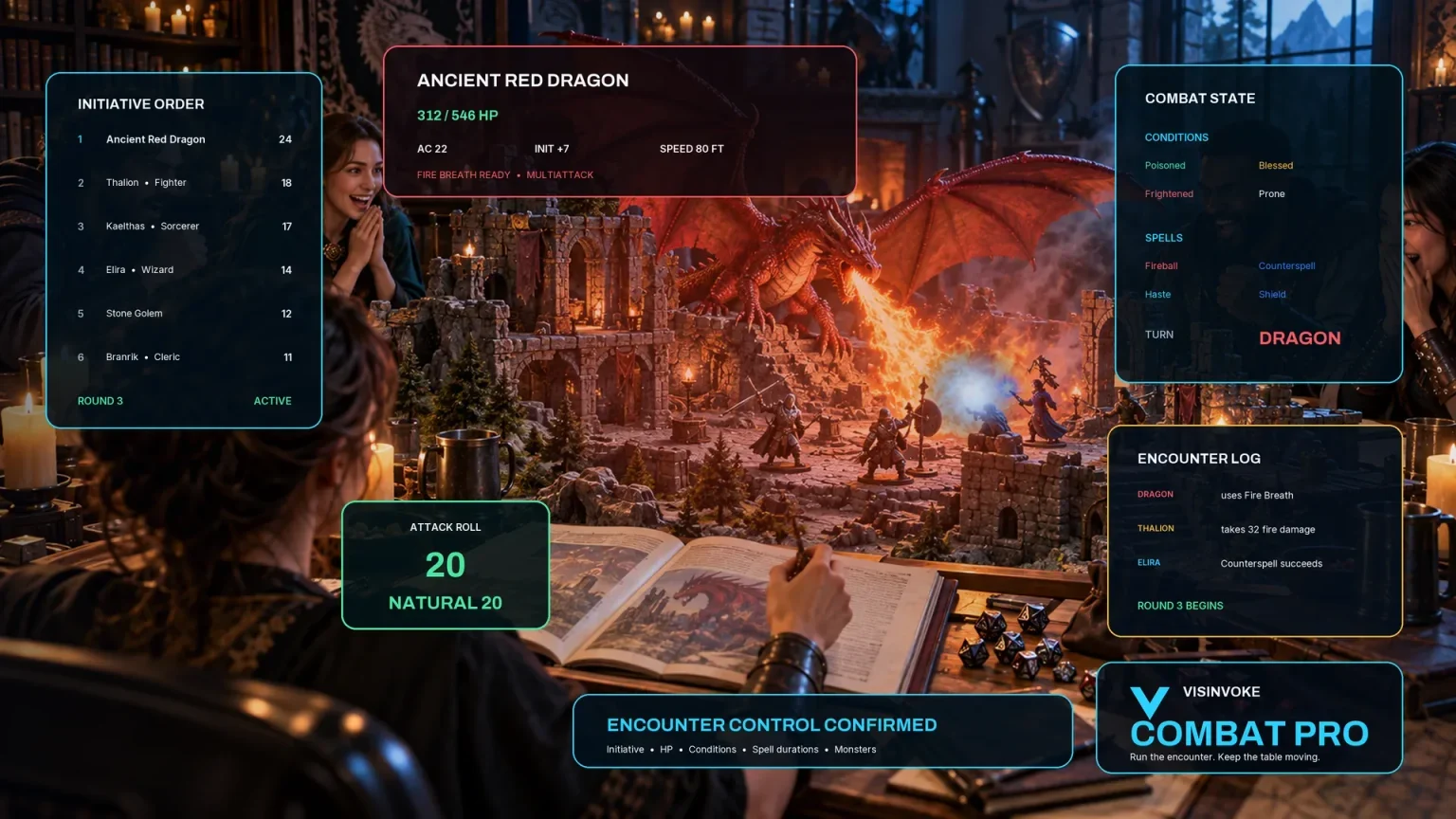
Review prepared opposition, tune creature statistics and run tabletop encounters with its own access.
Create focused character, monster, item and location images to complement your tabletop preparation.

Create guided commercial visuals for websites, brochures and wider creative projects.

Explore a separate futuristic RPG experience with its own world, characters and progression.
Product artwork illustrates campaign-antagonist concepts, not application screens or actual generated image output.
Quick answers
Understand the current controls, account records and limited confrontation transfer.
It creates a campaign-opposition dossier with identity, motive, ideology and goals, an authored scheme, allies and lieutenants, resources, territory, party connection, secrets, weaknesses, escalation, contingencies, confrontation and aftermath. It is a starting structure for an antagonist, not broad NPC biography or a campaign simulator. Review repeated scaffolding and adapt the details yourself.
Quick shows campaign tier, scale, theme and seed while hiding the other controls. It keeps the Deep values already entered. Presets set Quick, scale and theme rather than resetting every choice. Deep exposes identities, motive, ideology, methods, organisation, resources, magic, combat approach, minion use, territory, party relationship, redemption and contingency choices. Review the output: even a no-minions label does not remove the default listed confrontation enforcers.
Generation uses the seed, full request and a counter that advances each time. A seed alone does not repeat the next result in the current interface. A section reroll retains the other sections plus manual locks. Generate another design also uses the current dossier as its base, retaining its identity and name. Fresh villain clears the result, locks, seed and counter; it keeps the other controls. Review retained sections for consistency after any change.
Manual saves use your VISINVOKE account through the DCC session that opened the product. Search by name, filter campaign stage, reopen, duplicate, mark revealed or defeated, or delete a record. A resave of the same identity retains earlier results, but there is no prior-version viewer or restore control. Open displays the saved dossier without restoring setup controls, the generation counter or locks. Save after editing; there is no automatic save.
Review it first. The public profile omits dedicated secret identity, motive, scheme, network and contingency sections, but includes the short-term goal, methods and party connection. Those fields and any edits can contain information players should not know. Copy DM dossier and the full JSON download contain private material. Printing uses the current profile. There is no automatic semantic secrecy check or JSON import control.
The current handoff creates a saved prepared encounter with villain/minion named references and an objective. It does not deliver complete creature statistics, the arena or tactical zones, or the dossier’s role, tier, signature and counterplay fields. Review and fill those details in Combat PRO before play. The DCC session, separate Combat PRO entitlement and saved-encounter capacity are required. Sending the same villain identity again is treated as a duplicate rather than updating the earlier prepared encounter. The wider scheme and dedicated private dossier stay in Villain Generator.
Continue in VISINVOKE
Create a free VISINVOKE account and choose the required generator access.
Get Desktop Command Centre from your account installer page. Sign in on Windows, then open Villain Generator.